Add an expense

You need a budget first. See the Dashboard & budget guide to create one, then come back here to log a transaction in under a minute.

1 / 3 · next: Switch to Income
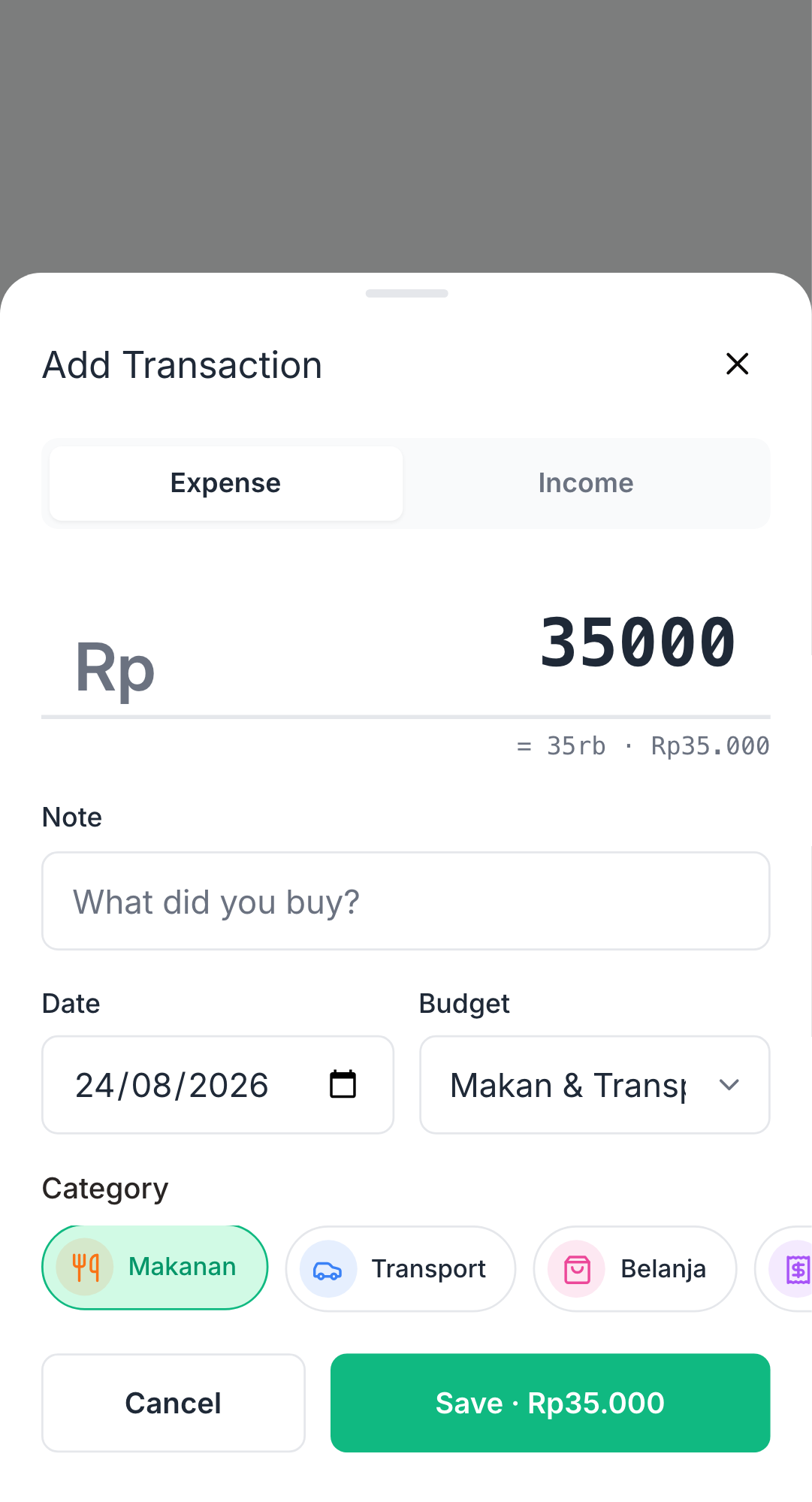
Screenshot: expense form with budget selected
1

Pick your budget + category

Open the form. Your default budget is pre-selected; tap a category chip, type the amount, optionally add a note, then save.

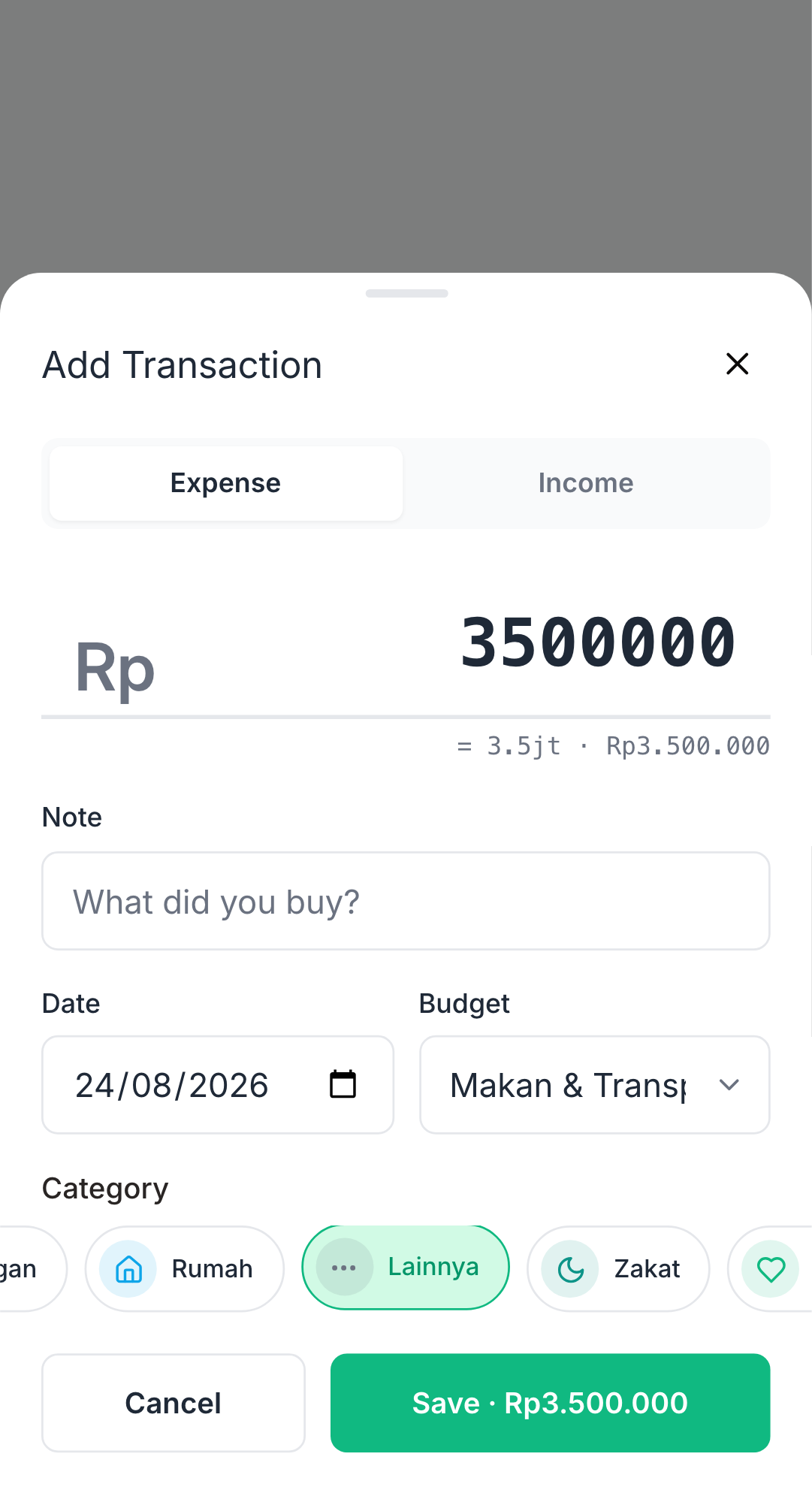
Screenshot: income form on Income tab
2

Switch to Income

Tap the Income tab to log a paycheck, gift or refund. Same flow, opposite direction: amount → save. Use category Lainnya (Other) for now.

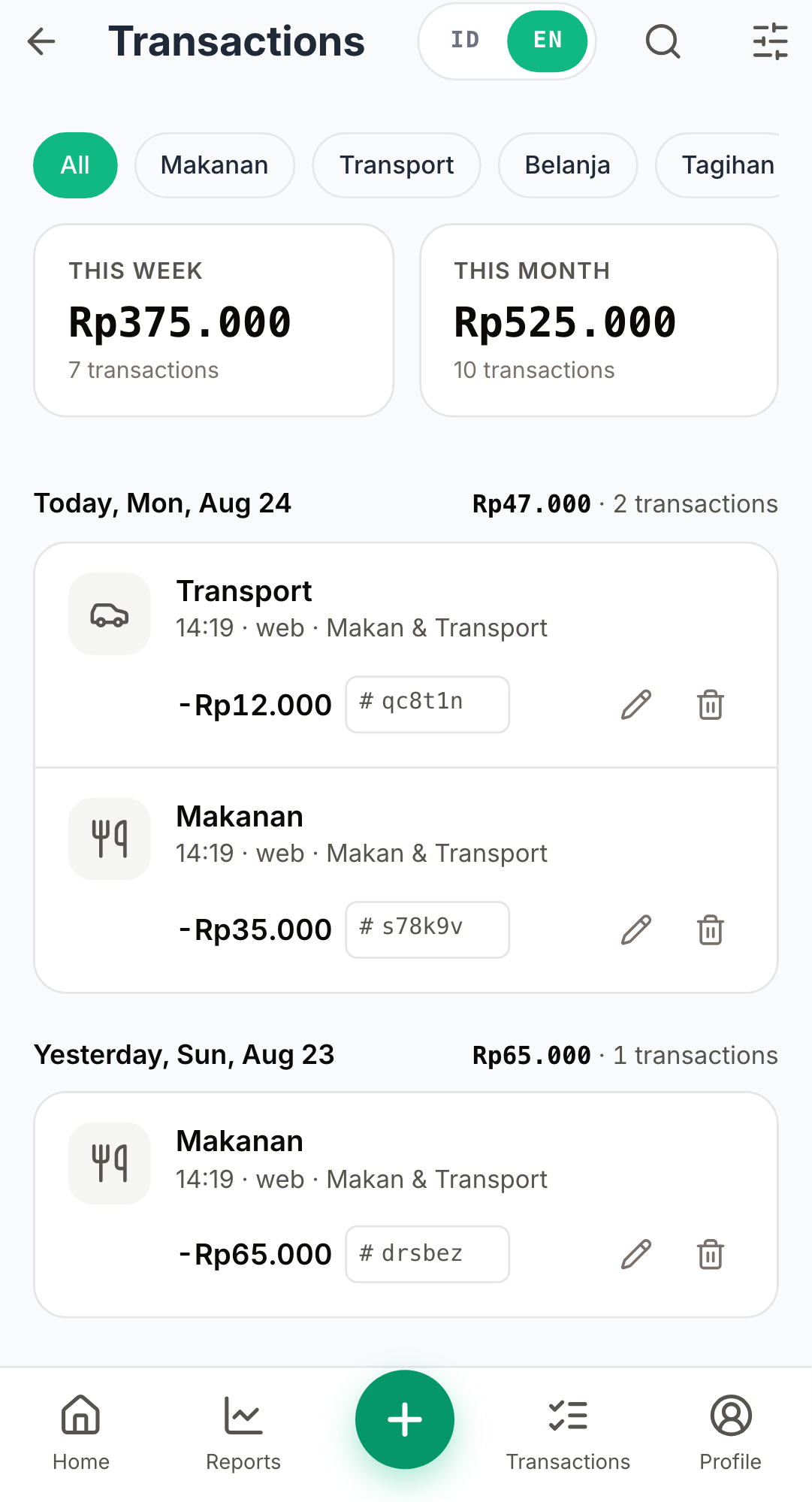
Screenshot: transactions list with today's rows
3

Review the list

The new transaction shows in /expenses. Filter by week or month, tap one to edit or delete. The transaction also rolls up into the Dashboard & budget guide's progress.

Troubleshooting

Form shows 'Buat Budget' instead of inputs?+

You don't have a budget yet. Create one — see the Dashboard & budget guide.

Save button does nothing?+

Make sure the amount is greater than zero and a budget is selected.