Dashboard & budget

Your home shows today's spending and active budgets.

1 / 3 · next: Browse your budgets
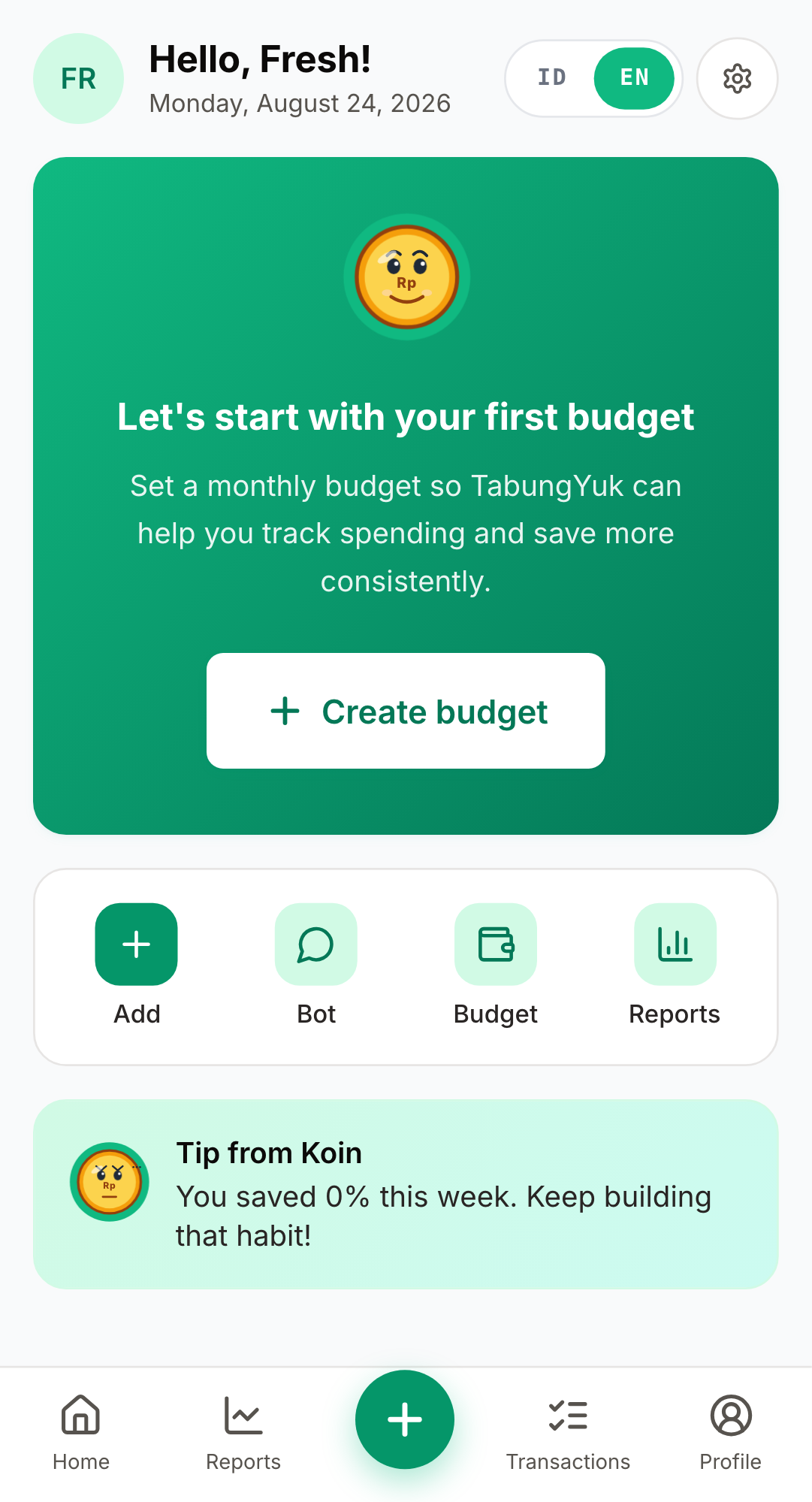
Screenshot: empty Dashboard
1

Set up your first budget

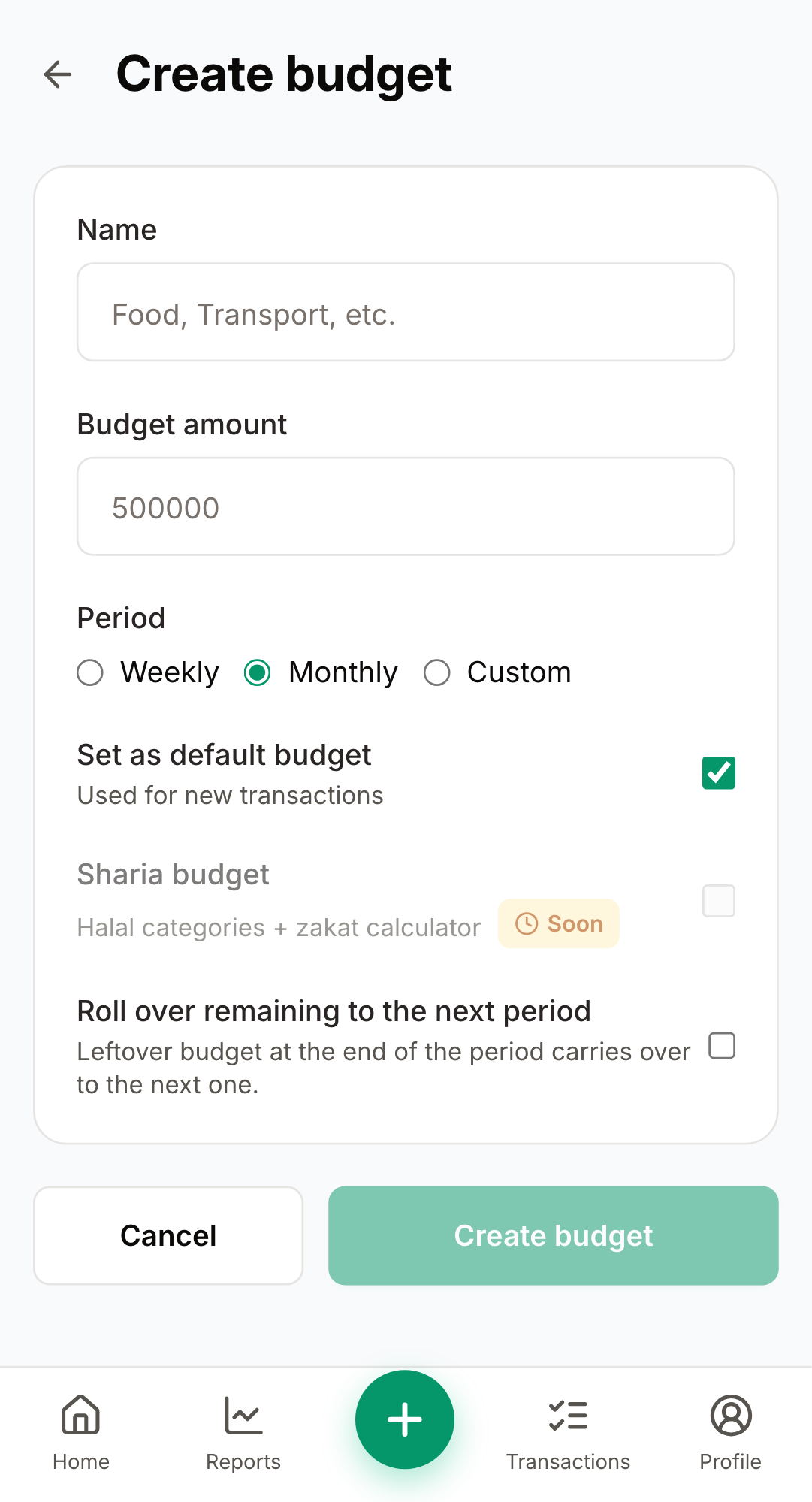
Tap the green hero card to open the create-budget form, pick a name, amount and period.

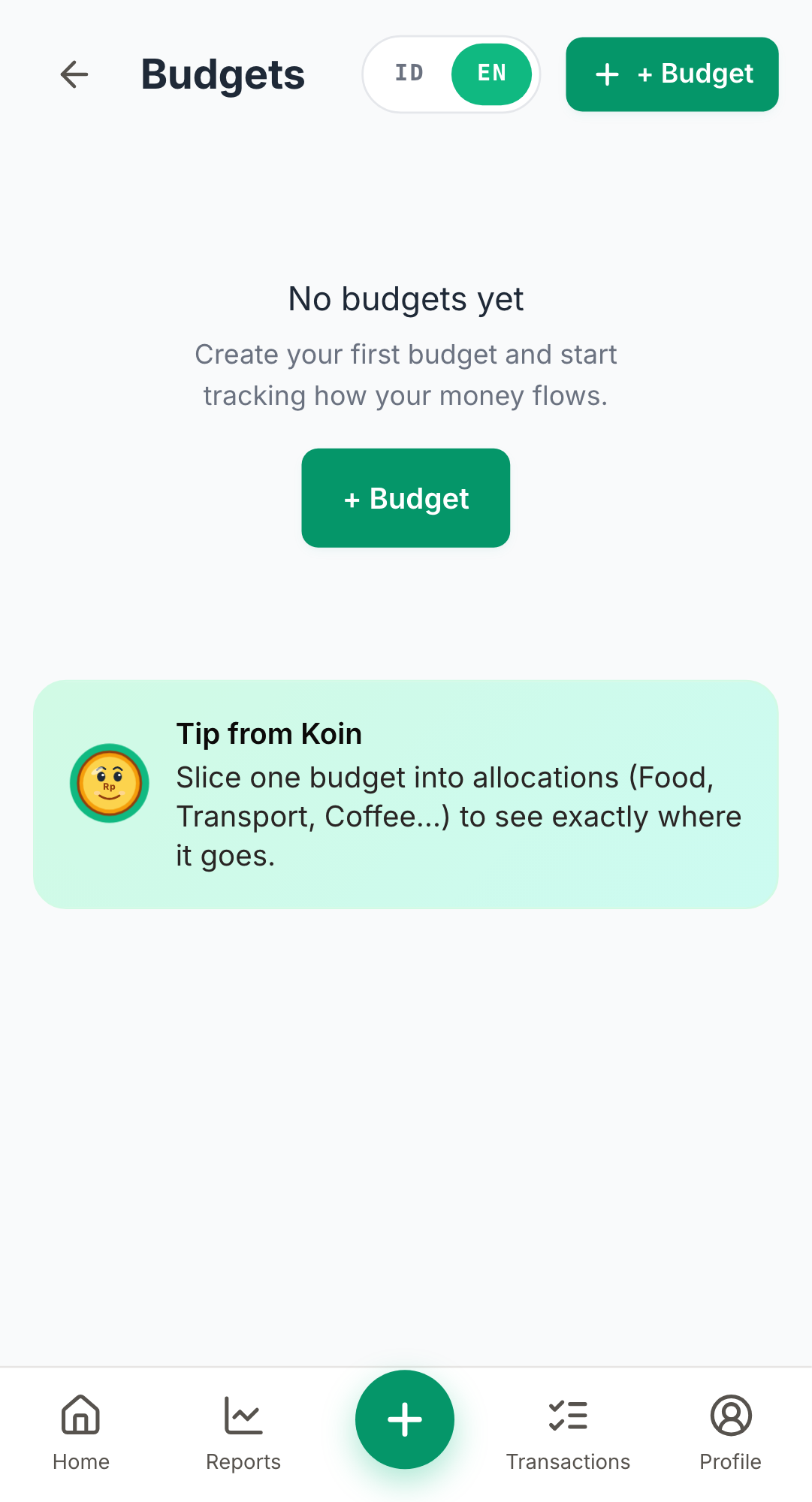
Screenshot: Budgets list
2

Browse your budgets

After saving, the budget appears on the home screen with progress and today's spend.

Screenshot: create budget
3

Open the create form

Set name, amount and period; takes 20 seconds.

Troubleshooting

Dashboard won't load?+

Pull-to-refresh, or sign out and back in.

Budget progress looks wrong?+

Make sure transactions are tagged with the right category.